Welcome to the Interactive Wonder Worksheets
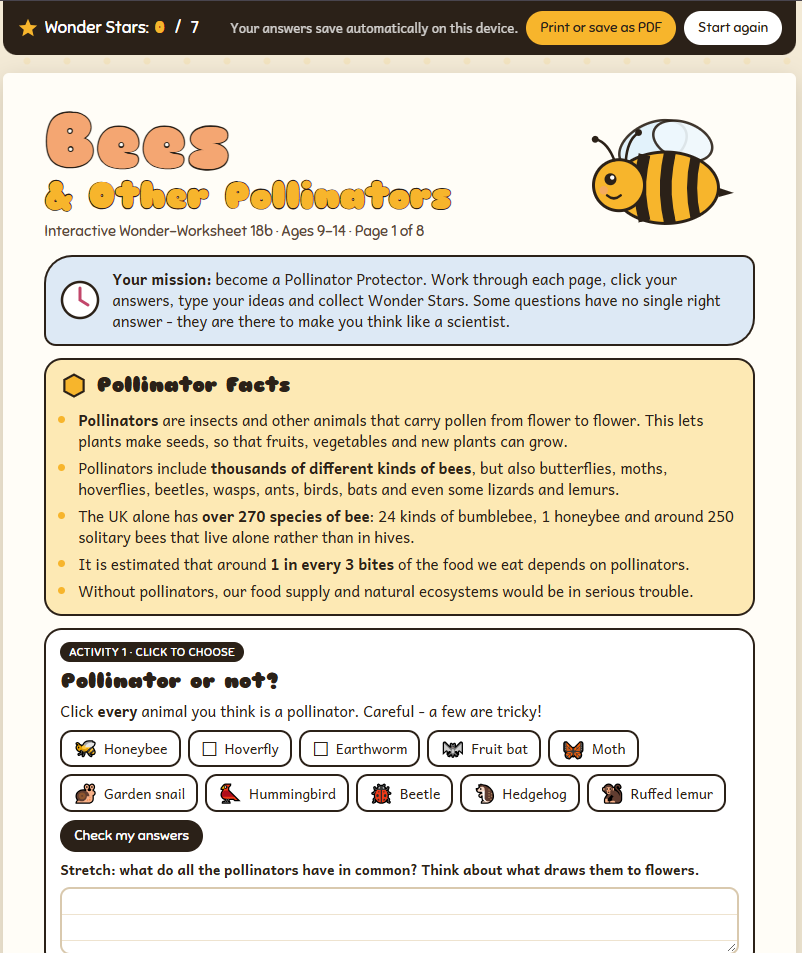
These are my Wonder Worksheets brought to life on screen. Each one expands on the original PDF worksheet and adds more facts, puzzles and challenges, with quizzes to click, diagrams to label, space to type ideas and Wonder Stars to collect along the way.
They’re written for curious 9-14 year olds, and the activities get more challenging page by page, so children are stretched as well as entertained. Many families work through a worksheet together over a few sessions – there’s no need to finish it in one go.
For Eco Wonder Community members only
These interactive worksheets are for paid members of the Eco Wonder Community. They’re for personal and educational use within your own home or classroom.
Please don’t share, copy, edit or sell them. This includes not forwarding the worksheet links or files to anyone else. Thank you for helping me keep creating new resources for the community.
How to use the worksheets
- Click a worksheet below. It opens in a new tab.
- Click your answers, then press Check to see how you did. Every activity you get fully right earns a Wonder Star.
- Type your ideas into the answer boxes. Questions marked Think deeper or Stretch have no single right answer – the best answers give reasons.
- For number questions, type your answer in digits.
- Your Wonder Stars add up at the top of the screen and appear on your Certificate of Wonder at the end.
- There’s a short answer key for grown-ups on the last page.
Saving your answers
Your answers save automatically as you go, so there’s no save button to press. Close the worksheet whenever you like and pick up where you left off next time. A few things to know:
- Use the same device and the same browser. Answers are saved in the browser you used, e.g. Chrome on the family laptop. They won’t appear on a different device, or in a different browser on the same device.
- Don’t use a private or incognito window. Answers are deleted as soon as the window is closed.
- Clearing your browsing history, cookies or site data deletes saved answers. Some school and shared computers do this automatically.
- Each worksheet saves separately, so you can have several on the go at once.
- To start again from scratch, click Start again at the top of the worksheet, then Yes, clear. Click Keep them if you change your mind.
- For a permanent copy, print the worksheet or save it as a PDF (see below). This is also a good way to keep finished work.
Printing and saving as PDF
Each worksheet prints on A4 portrait paper, one section per page, with your typed answers included.
- Click Print or save as PDF at the top of the worksheet.
- Choose your printer, or choose Save as PDF as the destination to keep a copy on your device.
- Under More settings, tick Background graphics so the colours print. Leave the scale at 100%.
- Click Print or Save.
Answer boxes print the words that fit inside them. For longer answers, keep writing on paper or in a notebook alongside the printed worksheet.
Which devices work best?
The worksheets work on computers, laptops, tablets and phones, and the layout adjusts to fit the screen. A computer, laptop or tablet gives the most room for diagrams, tables and typing longer answers. Printing is easiest from a computer or laptop. You’ll need an internet connection to open a worksheet.
Choose a worksheet